
CLS

Microsoft Office & AI Tools

Bestseller
Total Duration 72 Hours
Level
Delivery Mode
Virtual Learning Public Classroom
Available Schedules
Book your Seat Now

Skills you'll learn

10 skills
Create and Edit Documents
Documents formatting
Work with Spreadsheets
Excel Formulas
Pivot Tables
Create Presentations
Presentation Design
Manage Emails
Calendar Management
Productivity Tools

Prerequisites

Basic computer knowledge
No prior Microsoft Office experience is required

Course Outline

This isn't just a course. It's a structured path designed to turn you into a specialist ready for the global job market.

  • Introduction to Windows
  • Desktop & Taskbar
  • Start Menu & Search
  • File Management (File Explorer)
  • Shortcuts & Productivity Tips
  • Installing & uninstalling apps
  • Switching between apps
  • Basic troubleshooting
  • OneDrive basics
  • Upload & share files
  • Sync files
  • Browsing (Chrome / Edge)
  • Search techniques
  • Downloading files
  • Passwords
  • Phishing
  • Safe browsing
  • Basic Windows security

Target Audience

Designed to meet the needs of learners at different career stages, empowering them to build user-centered digital experiences

New Employees joining new positions that require Microsoft Office skills.
Students/Graduates wishing to build up their computer skills for career development.
Everyone determined to remain competent in the modern workplace.
Learning outcomes

What you'll learn

Learn to create and edit Microsoft Word documents.
Learn to create new documents and use Word templates.
Learn to add page numbers, headers and footers, and spell and grammar check documents
Create and manage basic Excel worksheets.
using formulas and built-in functions in Excel worksheets
Sort, filter, and manage data lists
Start and edit a presentation.
Use the Slide Sorter to reorganize a presentation
Apply Tables and Charts to a presentation
Learn about the new features in Outlook
Manage your inbox including filtering, creating search folders, and archiving.
Work with calendars and contacts
Use AI tools in Microsoft office (Word – Excel – Power point – Outlook)
About this course

About this course

The Microsoft Office & AI Tools course helps you build strong skills in core Office applications (Word, Excel, PowerPoint, Outlook) while leveraging AI tools to boost productivity, automate tasks, and improve work quality.

Microsoft Office is the most widely used tool for professional exchange/presentation of information in offices across the globe. Presentations, word files, excel sheets, working with databases – are all a part of daily tasks for most of us.

Using MS-PowerPoint, Word, Excel you can create a rich presentation to present to any type of audience.

Integration with Email – The integration of Microsoft Office with Microsoft Outlook is a big plus point. This means one can send open documents directly through MS Outlook without bothering to open the application.
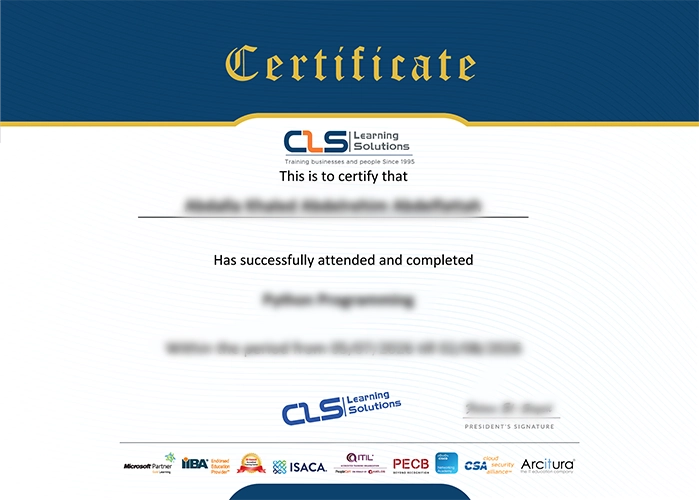

Accredited Credentials

  • Attendance Certificate from CLS Learning Solutions 


Microsoft Office & AI Tools

Potential Career Paths

Office Administrator
Executive Assistant
Data Entry
Customer Service
Receptionist
Executive Secretary
Coordinator