CLS
Professional Motion Graphics & AI Workflow

Professional Motion Graphics & AI Workflow

Bestseller
Total Duration 80 Hours
Level Beginner / Intermediate
Delivery Mode
Virtual Learning Public Classroom
Available Schedules
Book your Seat Now

Skills you'll learn

13 skills
Animation Principles
Motion Design
Adobe After Effect
Text Animation
Mask Animation
Camera Tracking
3D Design
Video Editing
Audio Editing
Using AI tools

Prerequisites

Basic knowledge of Adobe Photoshop and Adobe Illustrator
Basic computer skills and design software awareness

Course Outline

This isn't just a course. It's a structured path designed to turn you into a specialist ready for the global job market.

Target Audience

Designed to meet the needs of learners at different career stages, empowering them to build user-centered digital experiences

Graphic designers who want to bring static designs and brand assets to life.
Video editors who want to enhance their productions with animations and visual effects.
Freelancers that wish to offer motion graphics, explainer videos, logo animation, and branded content services.
Marketers and creative professionals that deal with creating promotional videos and visuals.
Anyone interested in developing their professional portfolio through branded and explainer video content on social media.
Learning outcomes

What you'll learn

The principles of animation design to create engaging, visually content.
Design and animate professional motion graphics by employing keyframe animation up to 3D modelling and advanced visual effects through Adobe After Effects.
Design professional text animations, shape animations, masks, motion tracking, camera animation, and visual effects.
Design professional graphic elements by using Adobe Photoshop and Adobe Illustrator software that have been designed especially for creating motion graphics.
Edit videos using Adobe Premiere Pro with the help of transition effects, effects, audio editing, and animation features.
Design 3D motion graphics and animated advertisement designs using Cinema 4D and integrating them seamlessly with After Effects.
Render, optimize, and export high-quality motion graphics and videos for web, social media, advertising, and commercial use.
Use AI-driven creative tools to speed up your concept generation, storyboarding, content creation, automation, and production processes
About this course

About this course

The Professional Motion Graphics Designer course is a highly practical program designed to help participants develop creative and technical competencies necessary for creating high-quality motion graphics and animation.

The course starts with the basics of animation and motion design which include the animation principles and different types of techniques used in animating. Participants will then go on to work in Adobe After Effects where they will be taught how to create compositions, layer management, animation through keyframes, masking and track matte, shape and text animation and control animation through the Graph Editor, parenting, null objects and expressions.

In addition to this, the training program is inclusive of the tools that motion designers rely on throughout the production process. Adobe Photoshop and Illustrator are used to prepare visual assets, typography, artwork, layers, and style frames for animation, while Adobe Premiere Pro supports video editing, sequencing, transitions, effects, and audio editing.
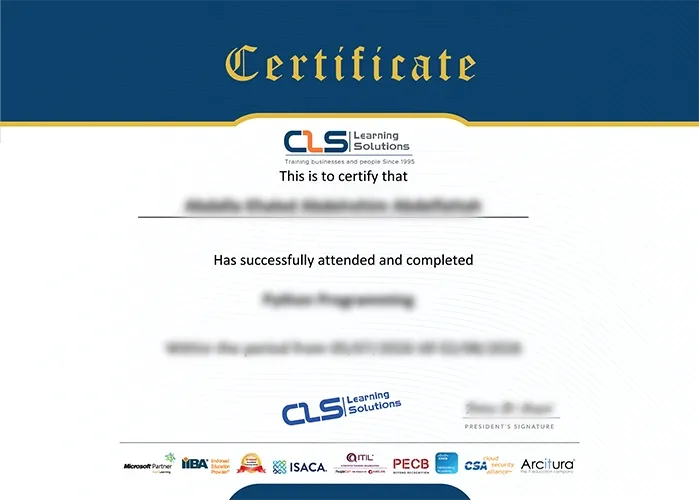
Accredited Credentials

  • Attendance Certificate from CLS Learning Solutions 


Professional Motion Graphics & AI Workflow

Potential Career Paths

Motion Graphics Designer
Freelance Motion Graphics Designer
Video Editor
Video Animator
Social Media Designer
Motion Art Director
Digital Advertising Designer