
CLS
Artificial Intelligence (AI)

PL-7008: Create agents in Microsoft Copilot Studio

Microsoft Copilot Studio is a graphical, low-code studio for building and managing agents and workflows.

Total Duration
8 Hours
Level
Beginner
Category
Artificial Intelligence (AI)
Partner
Microsoft
About this course

About this course

In this course, you will learn how to create custom copilots with Copilot Studio and will get the opportunity to practice your skills in a guided project.

Microsoft Copilot Studio uses topics, which are like small conversations related to a specific subject. A Microsoft Copilot Studio agent typically includes many topics.  
Target Audience

Business Professionals interested in automating tasks and increasing productivity through AI agents.
Microsoft 365 Users interested in creating and configuring intelligent agents for office environments.
IT Professionals interested in developing AI-driven solutions with Microsoft Copilot Studio.
Business Analysts interested in automating business processes and developing knowledge-enabled agents.
Automation Professionals interested in designing AI-driven workflows and structured automation.

Prerequisites

Familiarity with Microsoft Copilot Studio

Course Outline

  • Work with environments
  • Create agents
  • Create and configure declarative agents in Microsoft 365 Copilot
  • Create and configure agents in Microsoft Copilot Studio
  • Work with topics
  • Enhance productivity with Generative AI
  • Test your agents
  • Publish agents and analyze performance
  • Exercise: Create an agent with Microsoft Copilot Studio
  • Overview of topics
  • Create and configure agent topics
  • Add conversation nodes to topics
  • Branch a topic
  • Manage topics
  • Work with entities
  • Work with variables in your Copilot Studio agent
  • Work with system topics
  • Topics in a Copilot Studio voice agent
  • Create a knowledge agent
  • Add knowledge to an agent
  • Generative answers
  • Use generative answers in topics
  • Exercise: Build a knowledge-enabled agent
  • Overview of Copilot Studio workflows as tools
  • Create Copilot Studio workflows as tools
  • Design Copilot Studio workflow tools
  • Add Copilot Studio workflows as tools to agents
  • Add Copilot Studio workflows as tools to topics
  • Test workflow tools in Copilot Studio
Learning outcomes

What you'll learn

Design agent conversations using topics
Build intelligent agents in Microsoft Copilot Studio
Add structured automation to agents in Microsoft Copilot Studio

Skills you'll learn

10 skills
Copilot Studio
Agent Creation
Conversation Design
Topic Management
Conversation Branching
Voice Agents
Generative AI
Generative Answers
Workflow Automation
Microsoft 365 Agents

Certificate

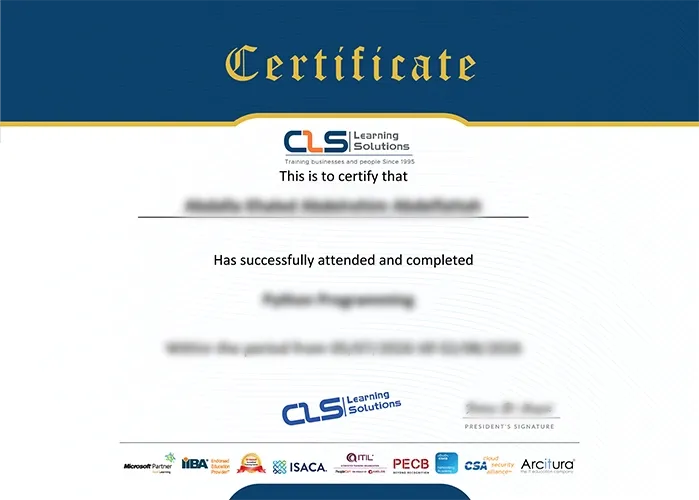
  • Attendance Certificate from CLS Learning Solutions
  • This course enables you to pass PL-7008: Create agents in Microsoft Copilot Studio Exam
PL-7008: Create agents in Microsoft Copilot Studio

Potential Career Paths

AI Agent Developer
Copilot Studio Developer
Microsoft 365 Specialist
Intelligent Automation Consultant
AI Business Consultant